Split the chores without saying it out loud
"I thought you were doing that" happens because the agreement only lives in two memories. Written down where both of you see it, most of it goes away. Here is how that works in TwoDo.
1. Give every chore an owner
Mark each item as both of you, you, or them. Add your names in settings and the app uses them instead of "Me" — the badge on the row shows the first letter. Trash: J, bathroom: S. One glance answers "wait, was that mine?" You can also filter to just your own.
2. Put a due time on it — both of you get the reminder
Trash night, the electricity bill, a vet appointment: give it a due time and both phones get a reminder, on time or 10, 30 or 60 minutes early, set per task. Things without a time of day (a transfer on payday) can be all-day, keeping the date without inventing a time, and you can switch the reminder off per item. Sort by due date and the week is in order.
3. Ask with a nudge, not a text (Pro)
"Can you do this today?" said out loud turns into nagging fast. Tap nudge on an item and the task lands on your partner's phone as a notification. One tap keeps the ask light, and they can finish it straight from the list.
4. Keep what you've done visible
"Our record" keeps the running count of what you've finished together, this week's count and your anniversary D-day (free). Clearing the list doesn't erase it. "Our report" (Pro) shows the rhythm of the last 7 days — so "I feel like I'm doing more lately" becomes a number you can both look at.
5. The widget is what makes it stick
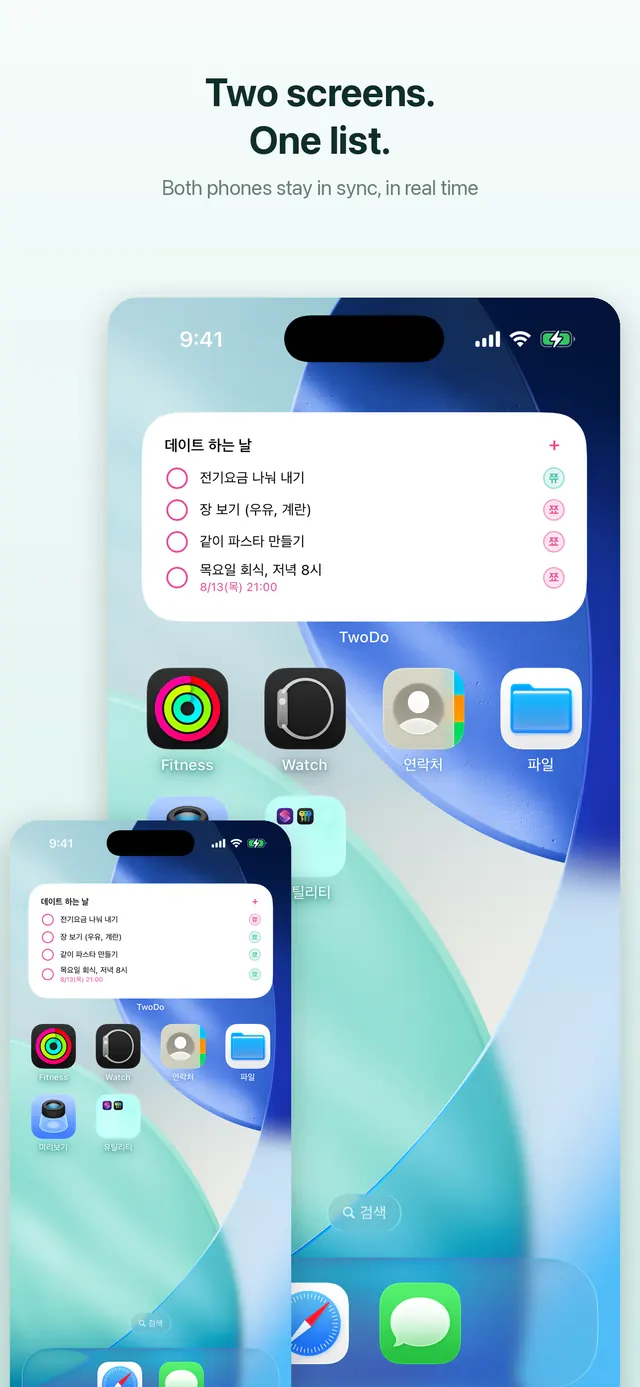
A list you have to open an app to see eventually goes unread. On the home screen widget (and the iPhone Lock Screen), what's left is in front of you every time you pick up the phone, and you tick it off right there. When one of you completes something, it disappears from the other's widget too. Setup steps are in the widget guide.
Tips for the first week
- Don't list every chore. Start with the three or four you actually argue about — trash, dishes, bathroom, laundry — and just assign those.
- Leave most things as "both" and let whoever gets there first tick it. Only split what truly needs splitting.
- Roommates too: rent and utility due dates as tasks mean both of you get the same reminder.