Choosing a to-do app for two: six things to check first
Search "couple to do list" and dozens of apps come up with near-identical screenshots. The differences are in places you only find by using them. Here is what you can check before installing.
1. Does it connect without accounts?
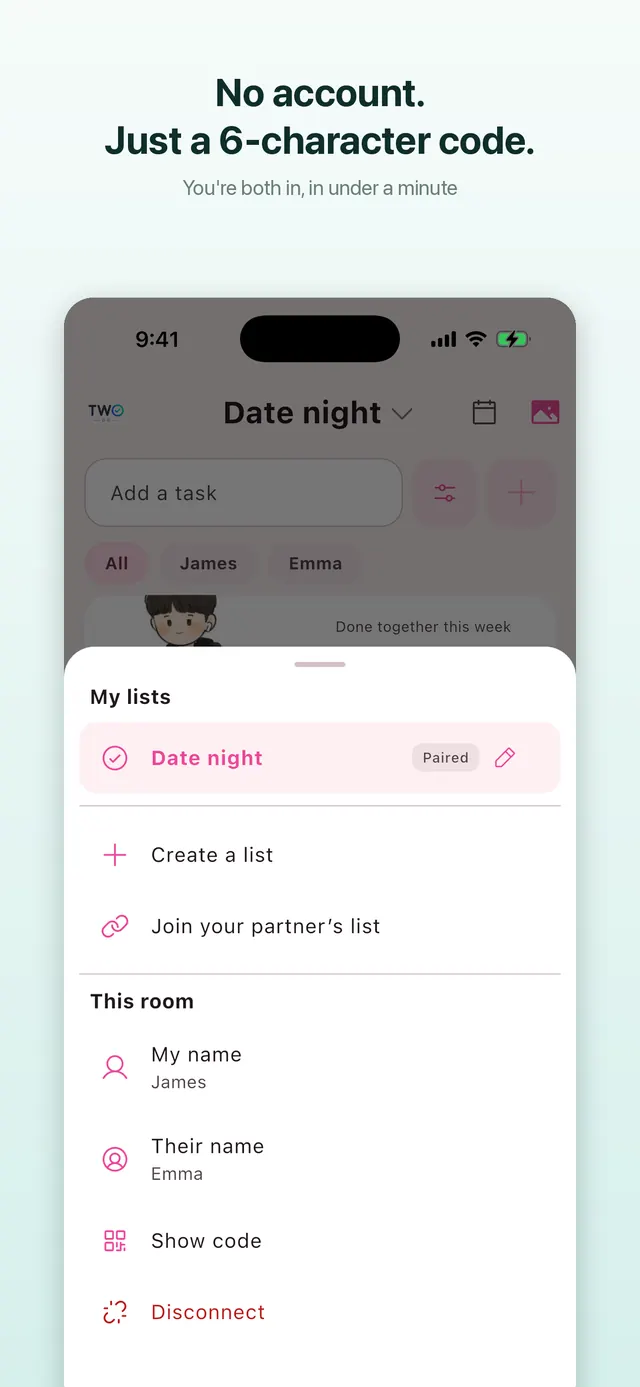
If both of you have to create an account, verify an email and add each other as friends, one of you drops out at the door — usually the one less into apps. Check whether it pairs with a single code and how many sign-up screens there are.
2. Built for two, or a team tool?
Notion, Todoist and Google Tasks are powerful and bring projects, boards and workspaces with them. For a grocery list shared by two people that structure is weight. A two-person app has fewer features and shows you the list the moment it opens. Decide which you want first.
3. Can you see it without opening the app? (widget)
The main reason shared lists die is that you have to open an app to see them. Look for a home screen widget — and on iPhone a Lock Screen widget — that shows what's left and lets you tick it off there. "View-only" widgets and "tick-off" widgets feel very different in daily use.
4. iPhone and Android mixed?
One of you on Android is common. iOS-only apps (anything built on iCloud sharing) are out. Check that it's on both stores and actually syncs between the two.
5. Do reminders reach both of you?
Many apps only remind the person who wrote the task. If only one of you gets the trash-night reminder, it isn't shared. Check that both phones get it and that you can pick how early.
6. Pricing
Monthly subscription, one-time purchase, and how much works for free. Some apps keep the basics (shared list, widget, reminders) free; in others sharing itself is paid. For an app used by two, check whether one person paying unlocks it for both.
Where TwoDo lands
| Check | TwoDo |
|---|---|
| Accounts | None. One of you creates a list and gets a 6-character code; the other types it in |
| Who it's for | Exactly two people. No projects or boards. Three or more is not supported |
| Widget | iPhone Lock Screen and Home Screen, Android home screen (Samsung lock screen too). Tick off from the widget |
| Platforms | iPhone and Android, synced with each other |
| Reminders | Due reminders go to both — on time, or 10, 30, 60 minutes early |
| Price | Shared list, widget, sync, assignees and reminders are free. Nudge, multiple lists, calendar and more are Pro (one-time). One purchase unlocks it for both people in the list |
It is clearly the wrong pick in some cases: a family of four can't use it, and if a calendar is the centre of your life, a shared-calendar app like TimeTree or Cozi fits better. If what you want is two people ticking off groceries and chores from a widget, that one job is what it does.